
Getting Started
HTML Macro for Confluence lets you embed fully custom HTML, CSS, and JavaScript directly inside any Confluence page — with a live side-by-side editor, enterprise-grade CSP security controls, and granular editor access restrictions. Everything runs on Atlassian Forge; no data leaves Atlassian’s infrastructure.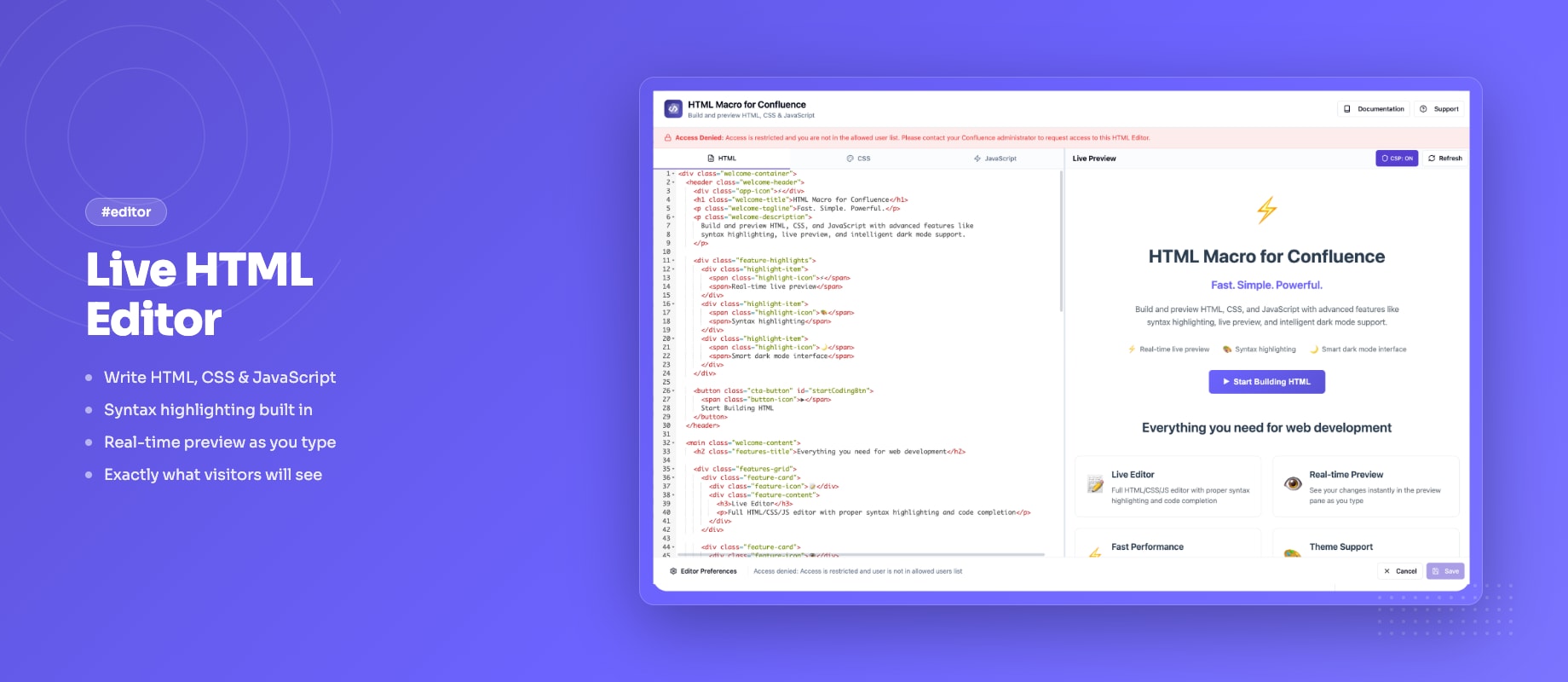
Quick Overview
HTML Macro for Confluence allows you to:- Write HTML, CSS, and JavaScript in a three-tab editor with syntax highlighting
- Preview your output in real time in a resizable split panel
- Control which external domains can load resources via CSP security modes (Block all / Whitelist / Allow all)
- Restrict who can open and edit the HTML editor by user whitelist
- Auto-adjust iframe height — no fixed heights, no blank space below content
- Track which Confluence pages use the macro via usage analytics
Documentation Structure
- Quick Start Guide: Install the app and embed your first HTML widget in minutes
- Features & How To: Complete guide to the editor, security settings, and access control
- Security & CSP: Configure content security policies and domain whitelists
- Admin Guide: Set up access control and usage analytics
- Known Issues: Current limitations and workarounds
- Release Notes: What’s new in each version
Getting Help
- Visit our support portal
- Email us at [email protected]