
Getting Started
Welcome to Markdown Exporter for Confluence! Export any Confluence page, page tree, or entire space to clean, well-structured Markdown — with YAML front matter, Obsidian wikilinks, custom filename patterns, and live preview. Everything runs on Atlassian Forge; your data never leaves Atlassian’s infrastructure.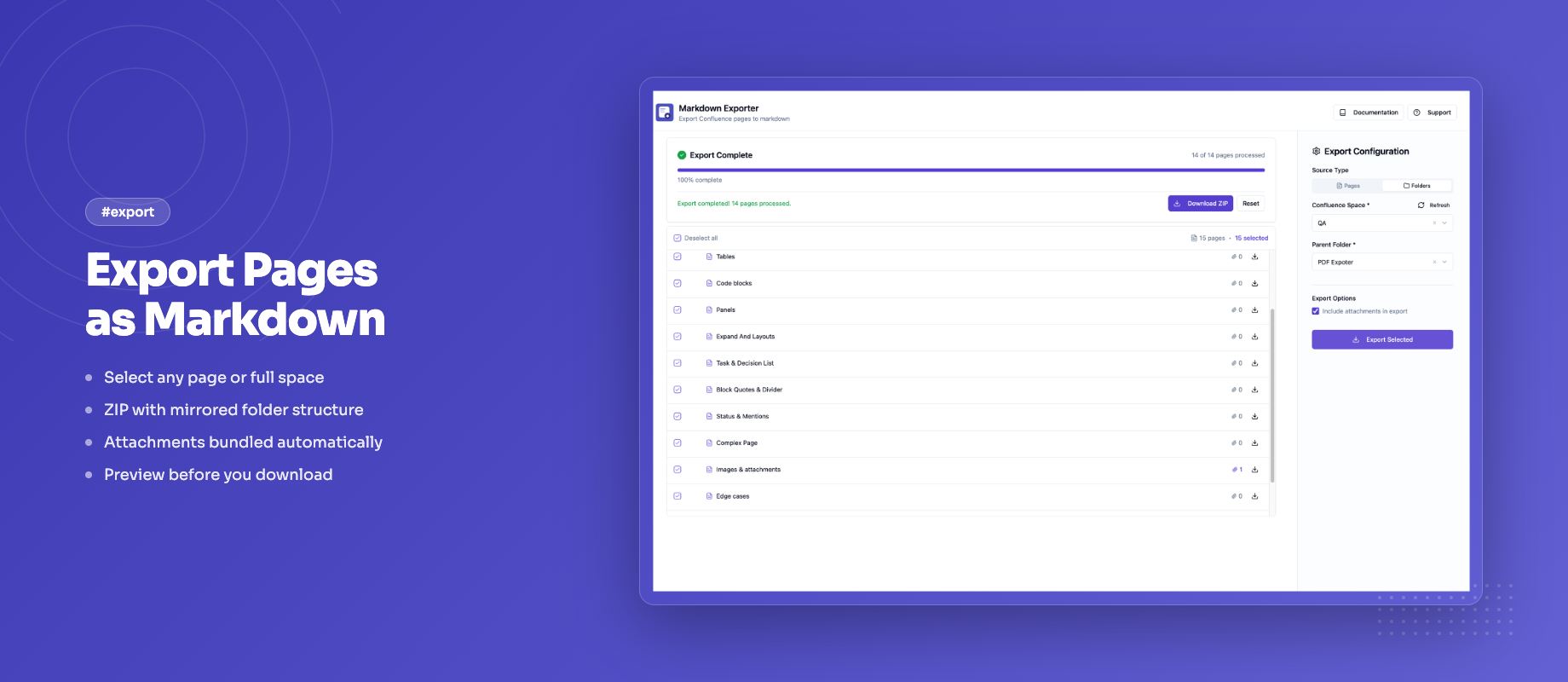
Quick Overview
Markdown Exporter for Confluence lets you:- Export a single page, a page tree, or an entire space to Markdown
- Include YAML front matter with title, author, date, space, and custom fields
- Enable Obsidian mode to convert internal links to
[[wikilink]]format - Define custom filename patterns using
{title},{date}, and{id}tokens - Preview rendered Markdown of any page before downloading
- Search pages by title with in-tree search and live highlighting
- Download everything as a tidy ZIP archive that mirrors your page hierarchy
Documentation Structure
- Quick Start Guide: Install the app and run your first export in minutes
- Features & How To: Full guide to all export options and settings
- Export Pages: Single page, page tree, and space export in detail
- YAML Front Matter: Configure metadata fields and custom key-value pairs
- Obsidian Mode: Export for Obsidian vaults with wikilinks
- Filename Patterns: Control how exported files are named
- Known Issues: Current limitations and workarounds
- Release Notes: What’s new in each version
Getting Help
- Visit our support portal
- Email us at [email protected]