
Quick Overview
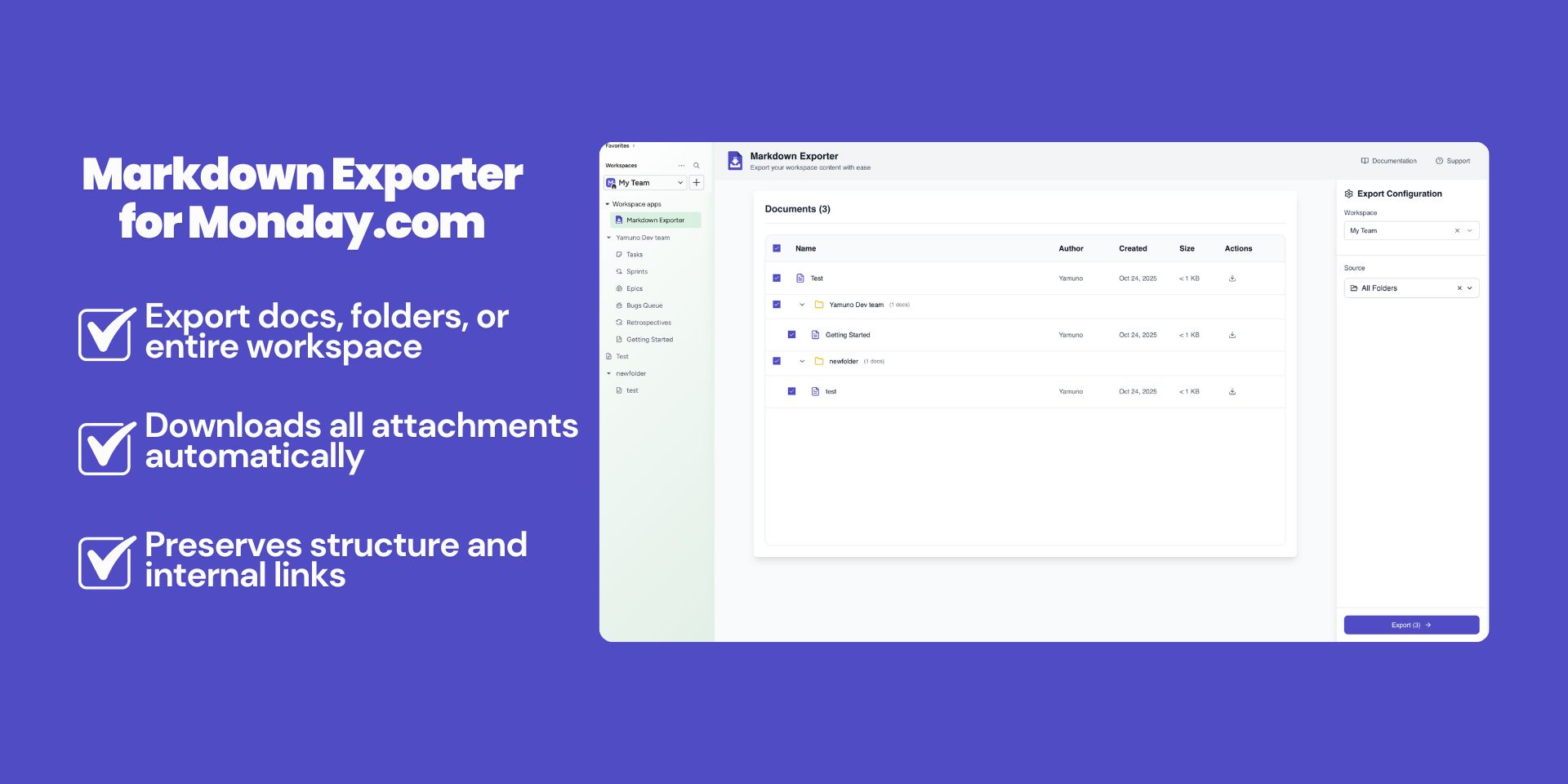
Markdown Exporter for Monday.com allows you to:- Export individual docs from your Monday.com workspace
- Export entire folders with preserved hierarchy
- Export your complete workspace documentation
- Download attachments and media files locally
- Preserve formatting, tables, lists, and code blocks
- Maintain internal links and cross-references
- Get organized ZIP archives with all content
Documentation Structure
- Quick Start Guide: Step-by-step guide for your first export
- Features & How To: Comprehensive guide to all features
- Known Issues: Current limitations and workarounds
- Release Notes: Latest updates and changes
Key Features
Single Doc Export
Export any individual document from your Monday.com workspace to markdown format while preserving all formatting and attachments.Folder Export
Export entire folders with their complete structure, maintaining the hierarchy and organization of your documentation.Workspace Export
Export your complete Monday.com workspace documentation in one go, perfect for backups or migrations.Local Attachments
All images, files, and media are downloaded and saved locally with proper references in your markdown files.Getting Help
If you need assistance:- Visit our support page
- Contact our support team at [email protected]