
Getting Started
PDF Exporter for Confluence exports any Confluence page, page hierarchy, or entire space to polished, professionally formatted PDFs — with cover pages, table of contents, headers, footers, watermarks, and reusable templates. Everything runs on Atlassian Forge; no data leaves Atlassian’s infrastructure.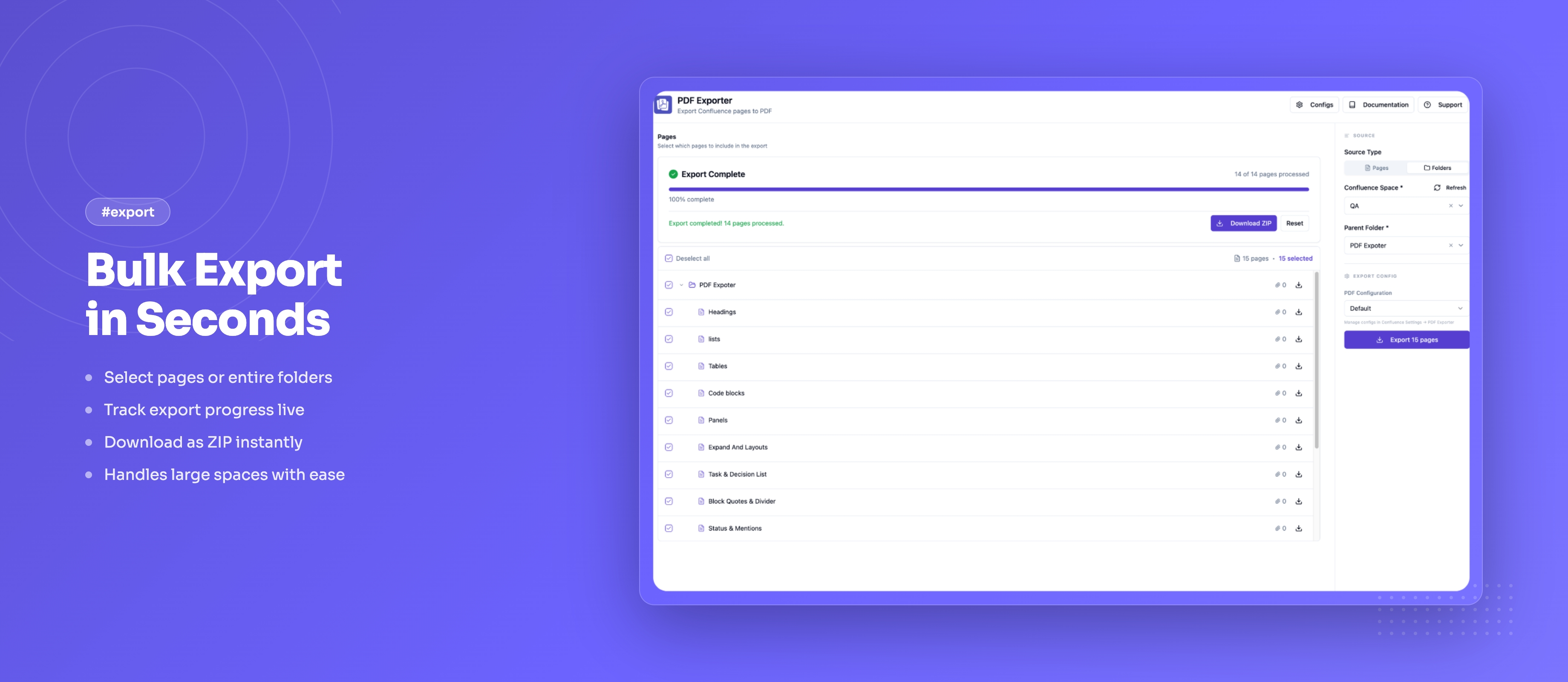
Quick Overview
PDF Exporter for Confluence allows you to:- Export a single page, a page hierarchy, or an entire space to PDF in one action
- Use reusable templates (managed by admins) to enforce consistent formatting across the team
- Add a professional cover page with six built-in styles, your logo, accent color, author, and subtitle
- Generate an automatic table of contents from page headings
- Customize headers, footers, page numbers, and watermarks per template
- Download multi-page exports as a single ZIP archive
Documentation Structure
- Quick Start Guide: Install and export your first PDF in minutes
- Features & How To: Complete guide to export options and settings
- Export Pages: Single page, hierarchy, and space export in detail
- Templates: Create and manage reusable export templates
- Cover Page: Configure cover page styles and branding
- Known Issues: Current limitations and workarounds
- Release Notes: What’s new in each version
Getting Help
- Visit our support portal
- Email us at [email protected]